
If you have questions or need clarification, please contact the IS Help Desk by submitting a support ticket, emailing helpdesk@lmunet.edu, or calling 423.869.7411.

Before you can embed a video, you need to host it on a video hosting platform like YouTube or Vimeo. Once you’ve the video up and running on a hosting platform, follow the steps below to insert it into your webpage.
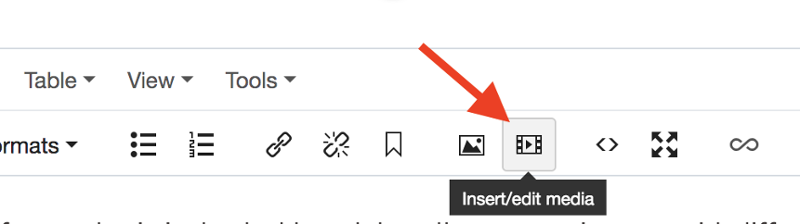
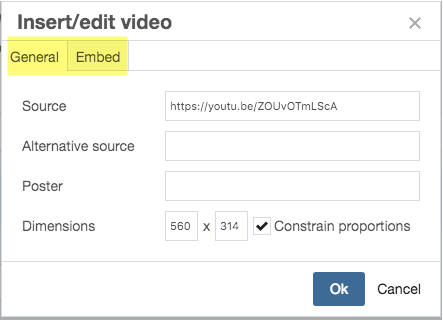
Example: Share code from YouTube looks like this: https://youtu.be/VtMZ-fGoDLY
Note: You will also use this option to insert any iframed content on the page like WuFoo/Mach forms.